Sublime For Blog Posts
The problem
My apprenticeship at 8th Light requires that I write a significant amount of code to complete projects. I write most of the code for my projects in Vim in order to get a better understanding of it’s features and quirks, and work towards mastering a mouse-less editor.
While my Vim setup is great for working in Python, I haven’t taken the time to configure it for anything else, which makes working with Markdown a pain (the default jekyll blog format). I often reach for my mouse when making changes in before remembering that it’s useless in Vim.
Enter Sublime Text
In order to save time on the production of each post, I started using Sublime Text to write my posts.
Out of the box, Sublime comes with a reasonable amount of syntax highlighting for Markdown, but with a single package Markdown Extended it can be greatly improved.
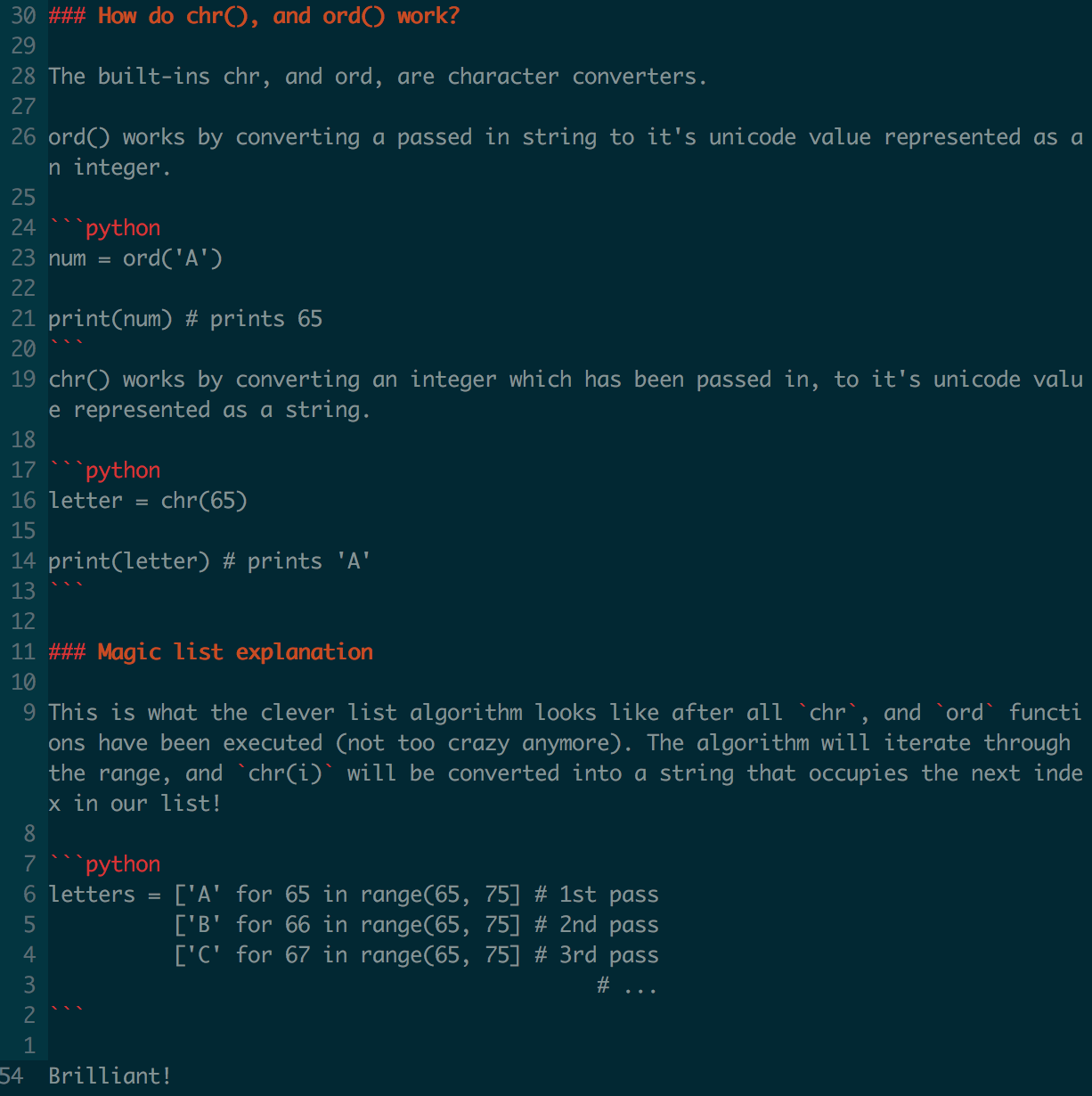
Here’s what one of my previous posts looked like in Vim:
Here’s what the same post looks like in Sublime:
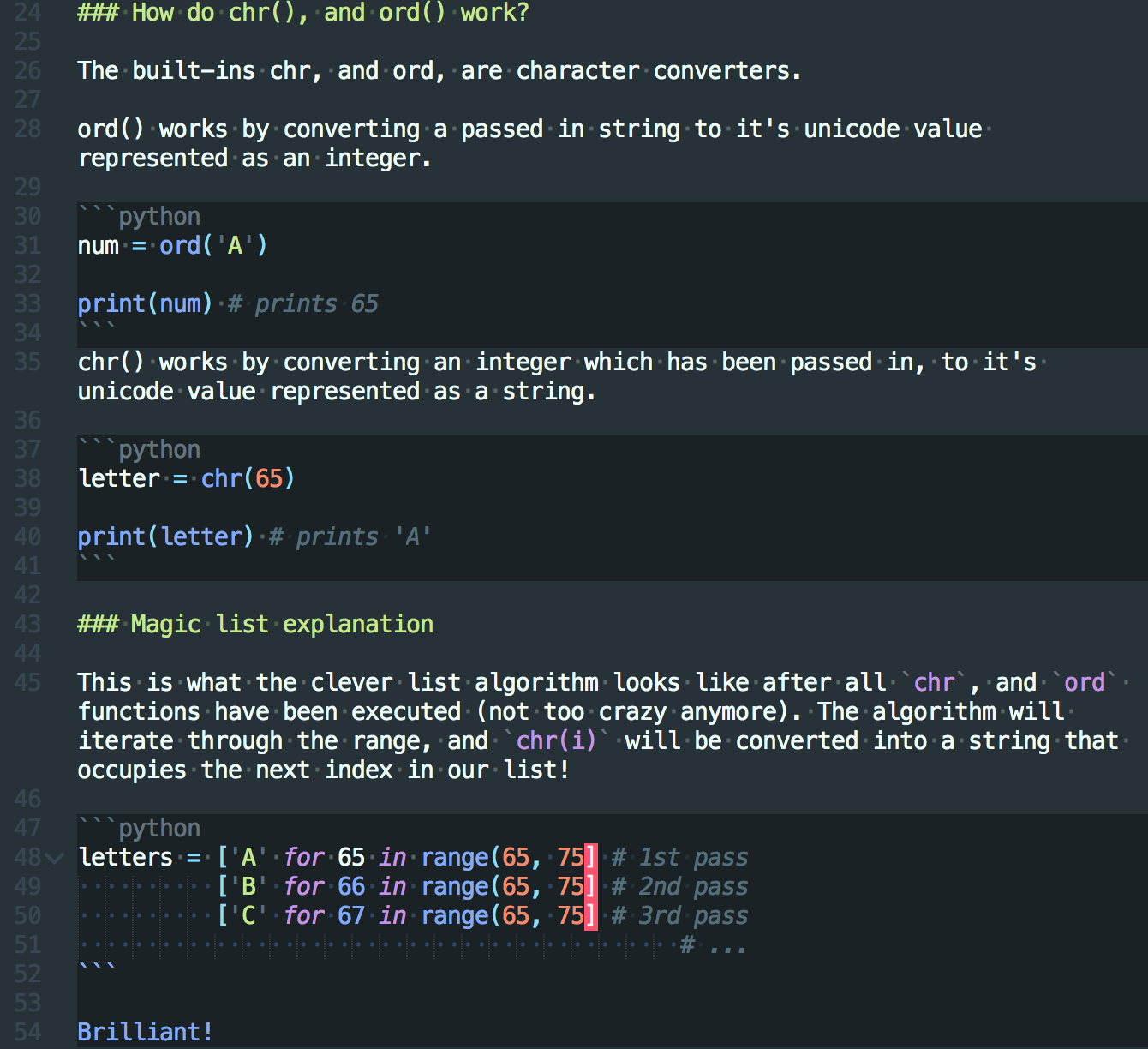
Sublime has helped me identify active pieces of code in Markdown, and improved my understanding of the language.
Summary
I’m in favor of using anything that speeds up my workflow.
Using Sublime for posts makes more sense to me (right now) because it’s closer to being a word processor, and less like a command line system. The vibrant highlighting is icing on the cake, and if I’m really honest, I really missed my mouse…